OTP (One-Time Password) verification for Cash on Delivery is the most effective single technique for reducing fake WooCommerce orders. It adds five seconds of friction for legitimate customers and stops fraudulent orders cold. Here’s exactly how to set it up with Smart COD Control.
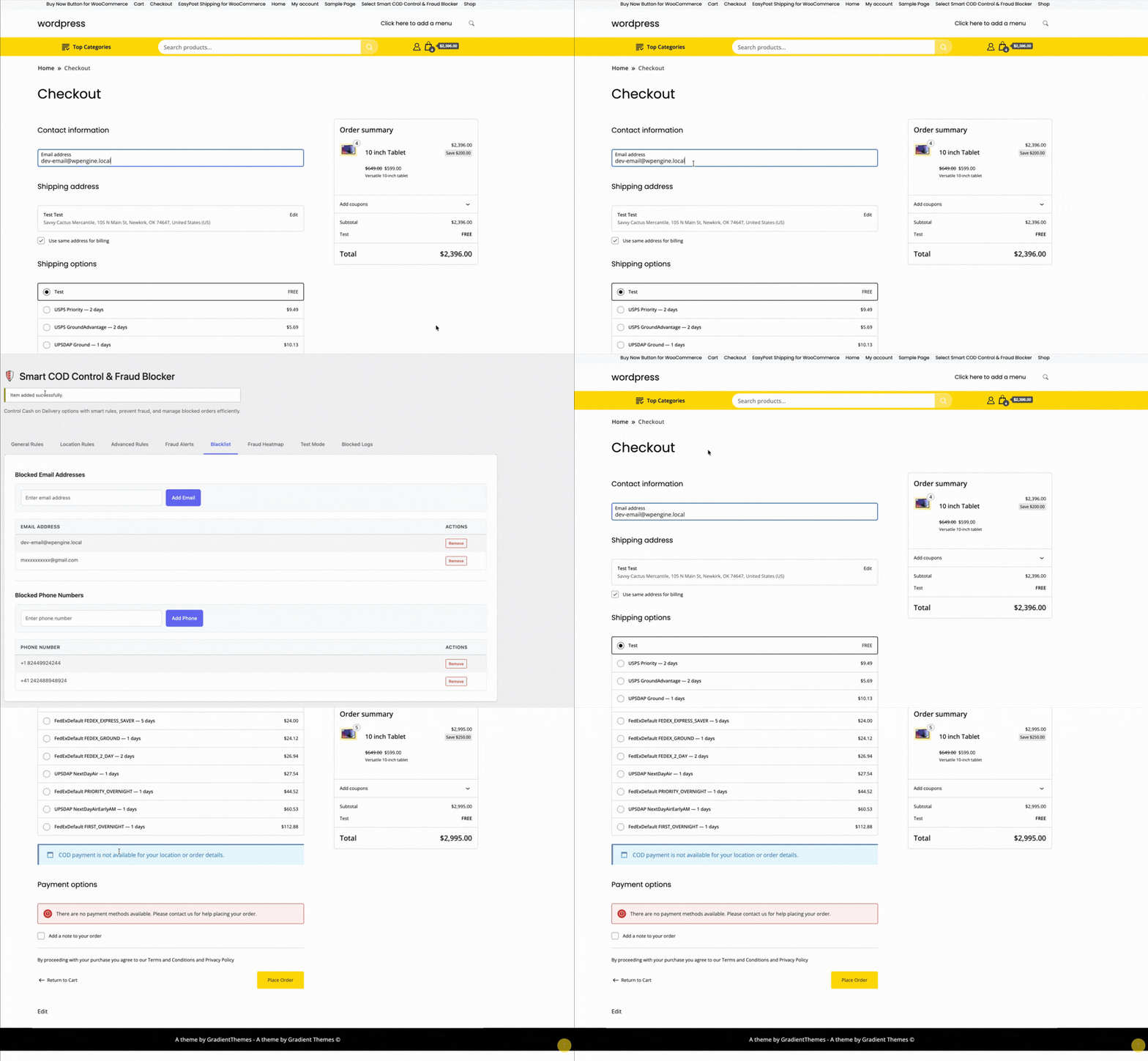
How OTP Verification Works
When a customer selects Cash on Delivery at checkout and clicks Place Order, Smart COD Control intercepts the order placement and sends a one-time password to the phone number the customer entered. The customer must enter the correct OTP on a verification screen before the order is confirmed. If the phone number is fake, no OTP arrives and the order never completes.
Step 1: Connect an SMS Gateway
Smart COD Control integrates with popular SMS gateways to deliver OTP messages. Supported gateways include Twilio, MSG91, Textlocal, and others. In the plugin settings (WooCommerce → Smart COD → OTP Settings), select your gateway and enter your API credentials.
If you’re not sure which gateway to use:
- Twilio — global coverage, easy setup, reliable
- MSG91 — popular for India and South Asia, competitive rates
- Textlocal — good UK coverage
Step 2: Configure OTP Settings
Once your gateway is connected, configure the OTP behaviour:
- OTP length — 4 or 6 digits (6 is more secure)
- OTP expiry — how long the OTP is valid (5–15 minutes is typical)
- Resend limit — how many times a customer can request a new OTP per session
- Resend cooldown — minimum time between resend requests (prevents OTP flooding)
- Max attempts — how many incorrect entries before the session is blocked
Step 3: Customise the OTP Message
The SMS message template is fully customisable. The default is something like: “Your ThePluginForge store verification code is {otp}. Valid for 10 minutes.” You can change this to match your store brand and include your store name.
Step 4: Test Before Going Live
Use a real phone number you own to test the full OTP flow before enabling it for customers. Place a test COD order, verify you receive the OTP, enter it correctly, and confirm the order completes. Also test the “wrong OTP” and “expired OTP” error states.

What Customers See
After clicking Place Order, the customer is shown a clean verification screen asking them to enter the OTP sent to their phone number. The screen displays the last few digits of the number for confirmation, a resend option (after the cooldown), and a countdown timer showing when the OTP expires.
Exempting Repeat Customers
You can configure Smart COD Control to skip OTP verification for customers with a positive order history — for example, customers who have previously placed and received at least one paid order. This reduces friction for loyal customers while maintaining protection for new and high-risk orders.
Full documentation and gateway setup guides are available at the ThePluginForge support page.