Smart COD Control is a comprehensive toolkit for managing Cash on Delivery in WooCommerce. This guide walks you through every major setting from first install to a fully configured COD management system.
Installation
Install Smart COD Control from the WordPress plugin directory or upload the plugin ZIP. Activate it, then navigate to WooCommerce → Smart COD in your admin menu.
1. General Settings
The General tab controls the top-level COD behaviour:
- Enable/disable COD — master switch for all Smart COD Control rules
- COD label — what the payment method is called at checkout (“Cash on Delivery”, “Pay on Delivery”, etc.)
- COD description — supporting text shown at checkout
- Minimum order amount — COD not available below this value
- Maximum order amount — COD blocked above this value
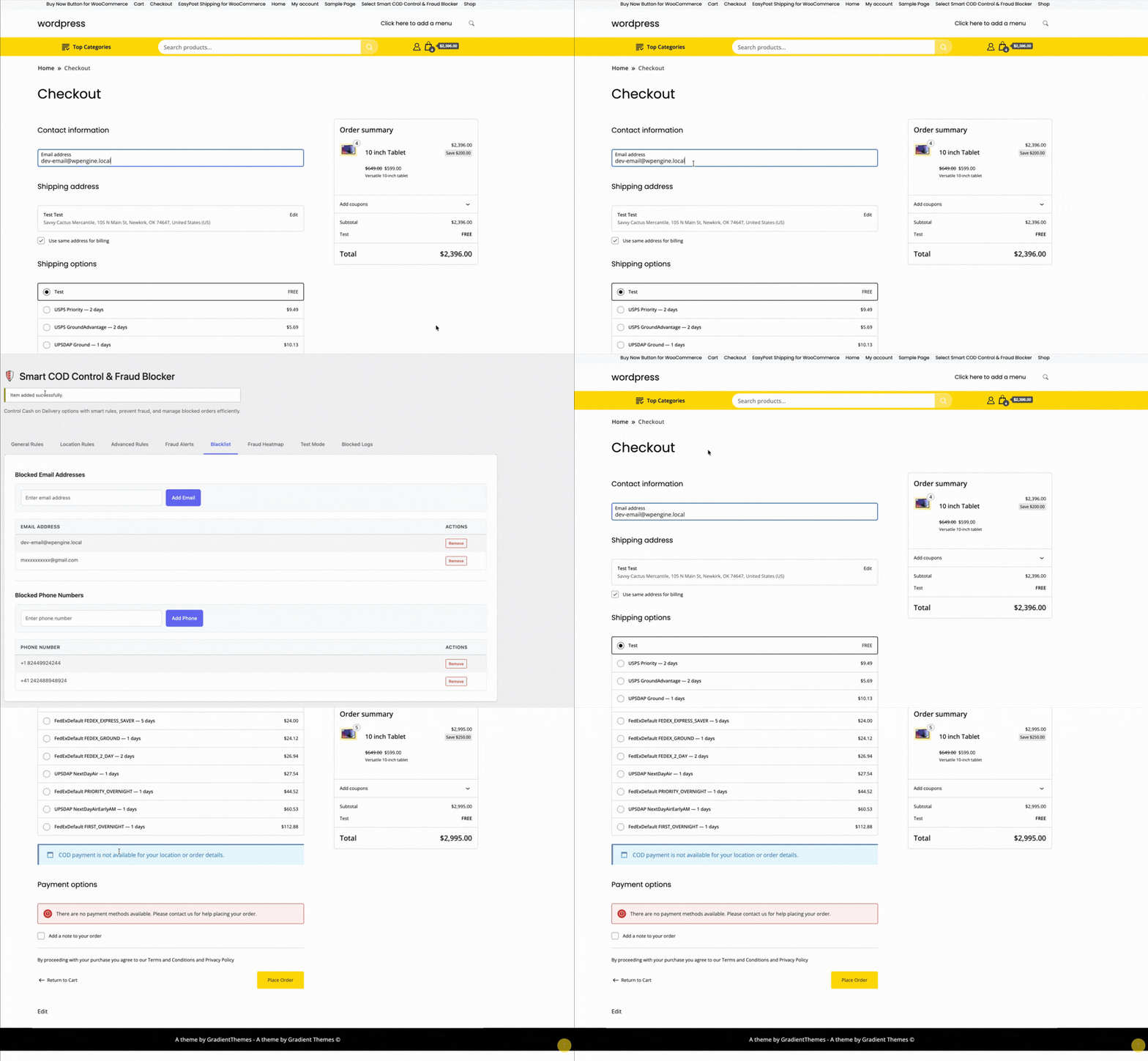
2. OTP Verification
Configure SMS gateway, OTP length, expiry, resend limits, and the message template. Test with a real phone number before enabling.
3. Location Rules
Set country, state, and pincode allowlists or blocklists. Start permissive and tighten based on your RTO data.

4. Fee Settings
Set a fixed, percentage, or combined COD fee. Configure the label text and any exemption rules (by customer history, order value, or product category).
5. Trust Rules
Define what constitutes a “trusted” customer. Trusted customers can receive lighter restrictions — skipping OTP, lower fees, higher COD value caps.

6. Product and Category Rules
Block COD for specific products or entire categories. High-value electronics, fragile goods, custom/personalised items — configure which products can and can’t be purchased via COD.
7. Analytics and Reporting
The analytics tab shows your COD vs prepaid order split, blocked order counts, and RTO trends over time. Use this data to tune your rules.

Recommended Starting Configuration
If you’re not sure where to start:
- Enable OTP verification for all new customers
- Set a maximum COD order value of 2× your average order value
- Add a modest COD handling fee (₹25–₹50 or 2–3%)
- Review your RTO data after 30 days and add pincode blocks for problem areas
Full documentation and a setup walkthrough video are available at the ThePluginForge support page.