We have been working hard behind the scenes, and today we are excited to share everything that landed in the Smart COD Control v1.3 release cycle. This is the biggest update to the plugin since launch — two flagship features, a redesigned admin experience, and a stack of smaller improvements under the hood.

What Is Smart COD Control?
Smart COD Control is a WooCommerce plugin that gives store owners complete control over when Cash on Delivery is available at checkout. Hide COD by cart value, shipping zone, product category, customer history, and more — all without writing any code. It also includes fraud prevention tools to reduce fake orders and RTO rates.
New in v1.3.0: Visual Rule Builder
Before v1.3, setting COD rules required navigating separate settings panels for each condition type. The new Visual Rule Builder brings everything into one unified drag-and-drop interface.
Key capabilities:
- Create rule groups with multiple conditions
- AND logic within a group, OR logic between groups
- Filter by cart total, product, category, shipping zone, state, user role, coupon, and order history
- One-click pre-built rule templates for the most common use cases
- Rules activate instantly — no cache flush needed
New in v1.3.1: OTP Phone Verification
Fake COD orders are a significant cost center for stores in emerging markets. A customer who never intended to accept delivery places an order impulsively, you ship the product, and it comes back at your expense. OTP verification addresses this at the source.
When enabled, customers selecting Cash on Delivery must verify their phone number with a one-time SMS code before the order is placed. No code — no order. The friction is minimal for genuine buyers but effectively eliminates throwaway orders.
Supported SMS providers:
- Twilio — global coverage, straightforward setup with Account SID and Auth Token
- Vonage — competitive rates in South Asia and the Middle East, alphanumeric sender IDs

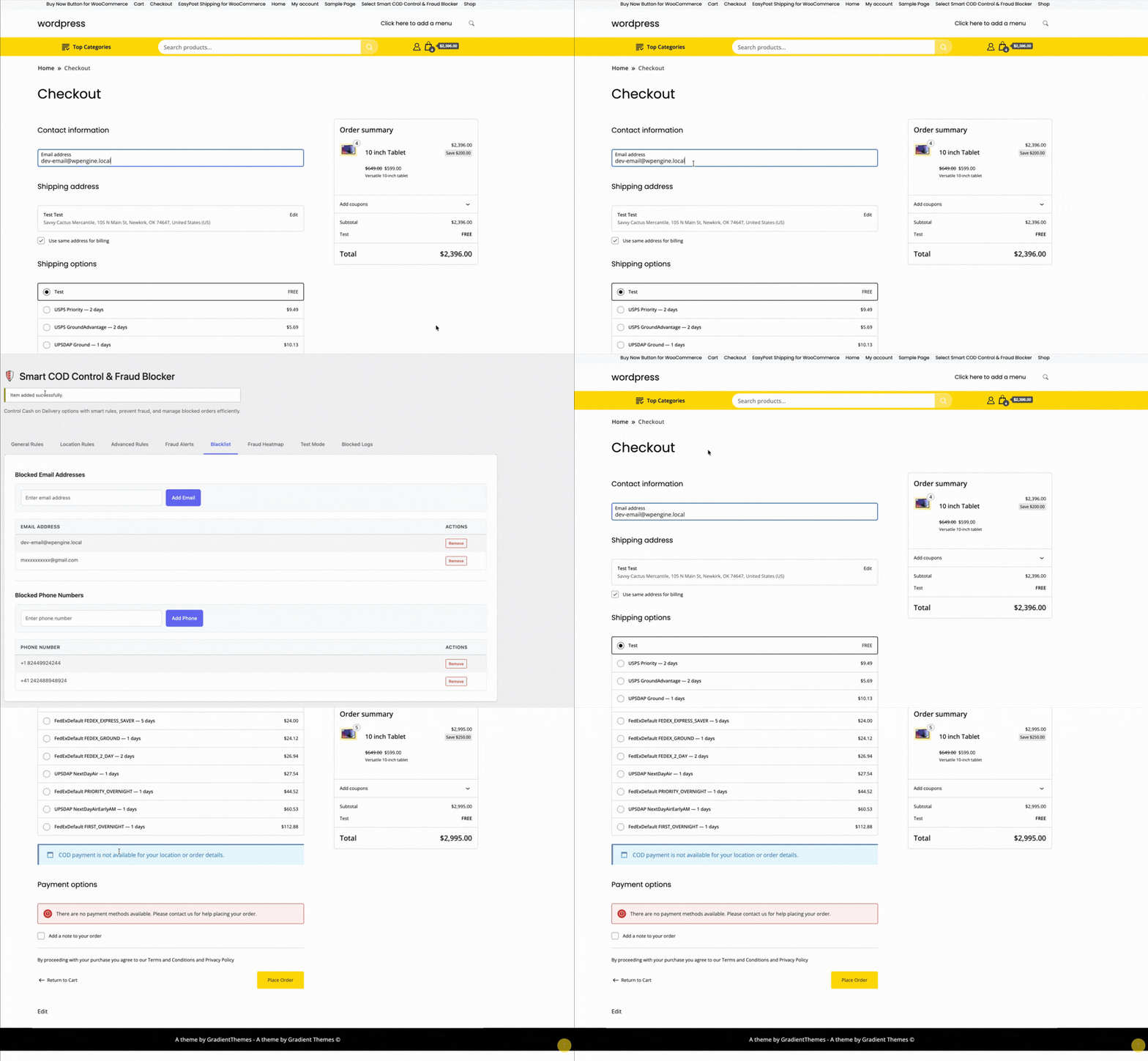
Enhanced Blacklisting and Approval Workflow
The blacklist system has been upgraded with a new admin approval workflow. Flag customers as requiring manual review — their COD orders go into a pending queue that your team approves or rejects before processing. This is ideal for stores with VIP or high-risk order tiers.
Fraud Analytics and Heatmap
The analytics tab now includes a geographic view of COD order activity. Spot regions with elevated cancellation rates at a glance and feed that data back into your Rule Builder to tighten restrictions exactly where they are needed.
Full Changelog
v1.3.1
- Added: OTP phone verification at checkout for COD orders
- Added: Twilio SMS integration
- Added: Vonage SMS integration
- Added: Customisable OTP message template
- Fixed: Rule Builder condition ordering edge case on save
v1.3.0
- Added: Visual Rule Builder with AND/OR logic
- Added: Pre-built rule templates
- Added: Drag-and-drop rule group reordering
- Improved: Admin UI redesign for COD settings
v1.2.0
- Added: Admin approval / blacklist workflow
- Added: Fraud analytics dashboard
- Improved: Performance on high-traffic stores
How to Update
Update via WordPress Dashboard → Plugins → Updates. All existing settings are migrated automatically — no reconfiguration needed. After updating, visit the new Rule Builder tab to explore the interface, and the OTP Settings tab to enable phone verification.
Questions or feedback? Reach us through the support page — we read every message.